
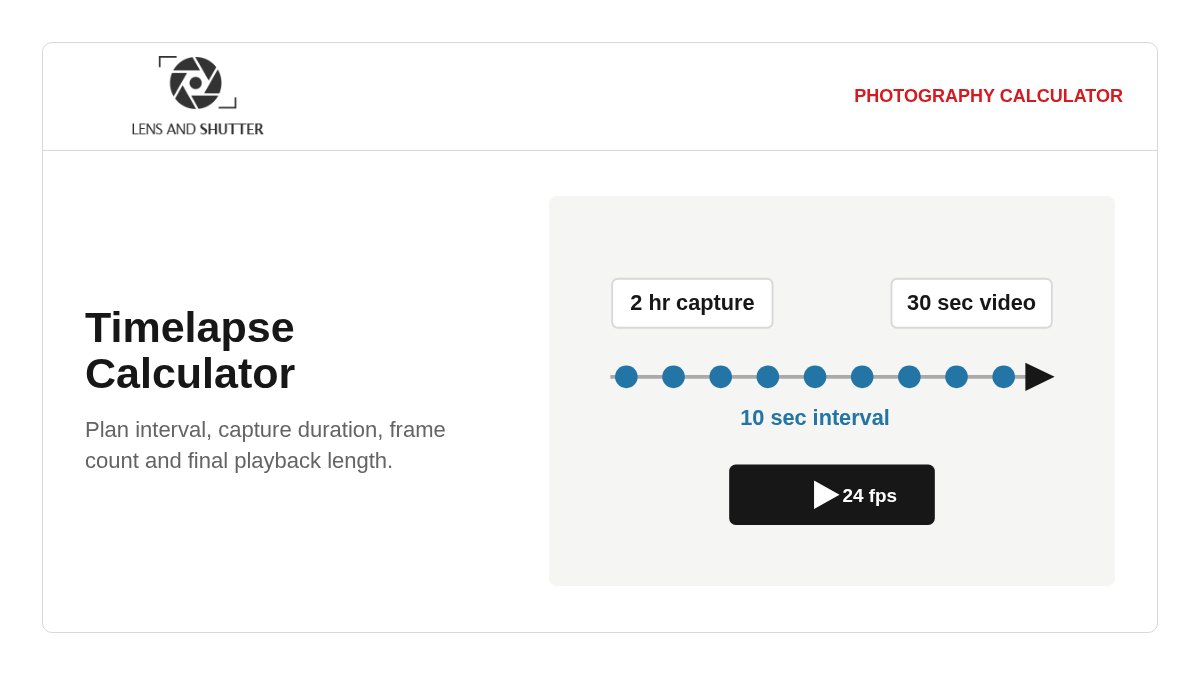
Plan a time lapse from either direction
Use From capture when the event duration and shooting interval are already known. The calculator returns the number of complete frames and the resulting timeline length. Use Target clip when an edit requires a specific duration; it calculates the interval needed to cover the available shooting window.
Target mode rounds the frame count up to a whole frame so the resulting clip is never shorter than requested. In capture mode, an incomplete interval at the end of the shooting window is not counted.
How long does a 30-second time lapse take to record?
A 30-second clip needs 720 frames at 24 fps or 900 frames at 30 fps. Recording time then depends on the interval between frames.
| Interval | At 24 fps | At 30 fps |
|---|---|---|
| 1 second | 12 minutes | 15 minutes |
| 2 seconds | 24 minutes | 30 minutes |
| 5 seconds | 1 hour | 1 hour 15 minutes |
| 10 seconds | 2 hours | 2 hours 30 minutes |
| 30 seconds | 6 hours | 7 hours 30 minutes |
Phone and action-camera time lapse modes may choose or adapt the interval automatically, so their real recording time is not always a fixed multiple. Use Target clip mode above when the camera lets you set the interval.
Settings that matter on location
Interval and exposure
Most intervalometers use a start-to-start interval. Exposure time, processing and card writes must all complete before the next frame. RAW bursts and long-exposure noise reduction can reduce the practical buffer.
Delivery frame rate
Match the frame rate of the editing timeline rather than choosing one only to change clip length. Use 23.976 or 24 fps for many cinema workflows, 25 fps for PAL delivery, and 29.97 or 30 fps where the project requires it.
Motion rendering
An exposure near half the interval gives a 180-degree time lapse shutter angle and smoother motion, but it is an aesthetic starting point, not a rule. Shorter exposures preserve discrete movement and sharper individual frames.
Storage and power
Estimate storage from actual files made by the intended camera and format. For long sequences, also plan battery or external power, card capacity, thermal behavior and shutter wear.
Time lapse formulas
For a known interval, frame count is capture duration divided by interval, rounded down to complete frames. Final video length is frame count divided by playback fps. The speed-up factor is interval multiplied by playback fps.
To solve for interval, first multiply target video length by playback fps and round up to a whole frame. Then divide capture duration by the required frame count. The calculator retains full precision internally even when the displayed interval is rounded.
A technically reliable sequence
Lock exposure and white balance when consistent rendering matters, and avoid auto ISO unless changing light makes it necessary. Aperture-driven flicker can remain even in manual exposure because the diaphragm may not return to exactly the same position for every frame.
Test the complete path before an important shoot: intervalometer behavior, write speed, battery life, file numbering, image stabilization, and the camera's response when a frame takes longer than the interval. The arithmetic cannot account for skipped frames or equipment limits.
Time lapse calculator FAQ
How do I calculate the interval for a time lapse?
Multiply the target clip length in seconds by the playback frame rate to get the required frame count. Divide the available capture time in seconds by that frame count. For example, a 30-second clip at 24 fps needs 720 frames; covering two hours requires a 10-second interval.
How many photos do I need for a 10-second time lapse?
You need 240 frames at 24 fps, 250 at 25 fps, or 300 at 30 fps. Use the actual delivery frame rate, including 23.976 or 29.97 when those are the project settings.
Is the interval the same as exposure time?
No. The interval is normally the time from the start of one exposure to the start of the next. Exposure, camera processing and write time must fit inside it. Verify the behavior of the specific camera or intervalometer before a critical sequence.
What frame rate should I use?
Use the delivery frame rate of the project so the sequence drops into the editing timeline without reinterpretation. Frame rate changes how many captured images are needed; it should not be selected only to force a preferred duration.